
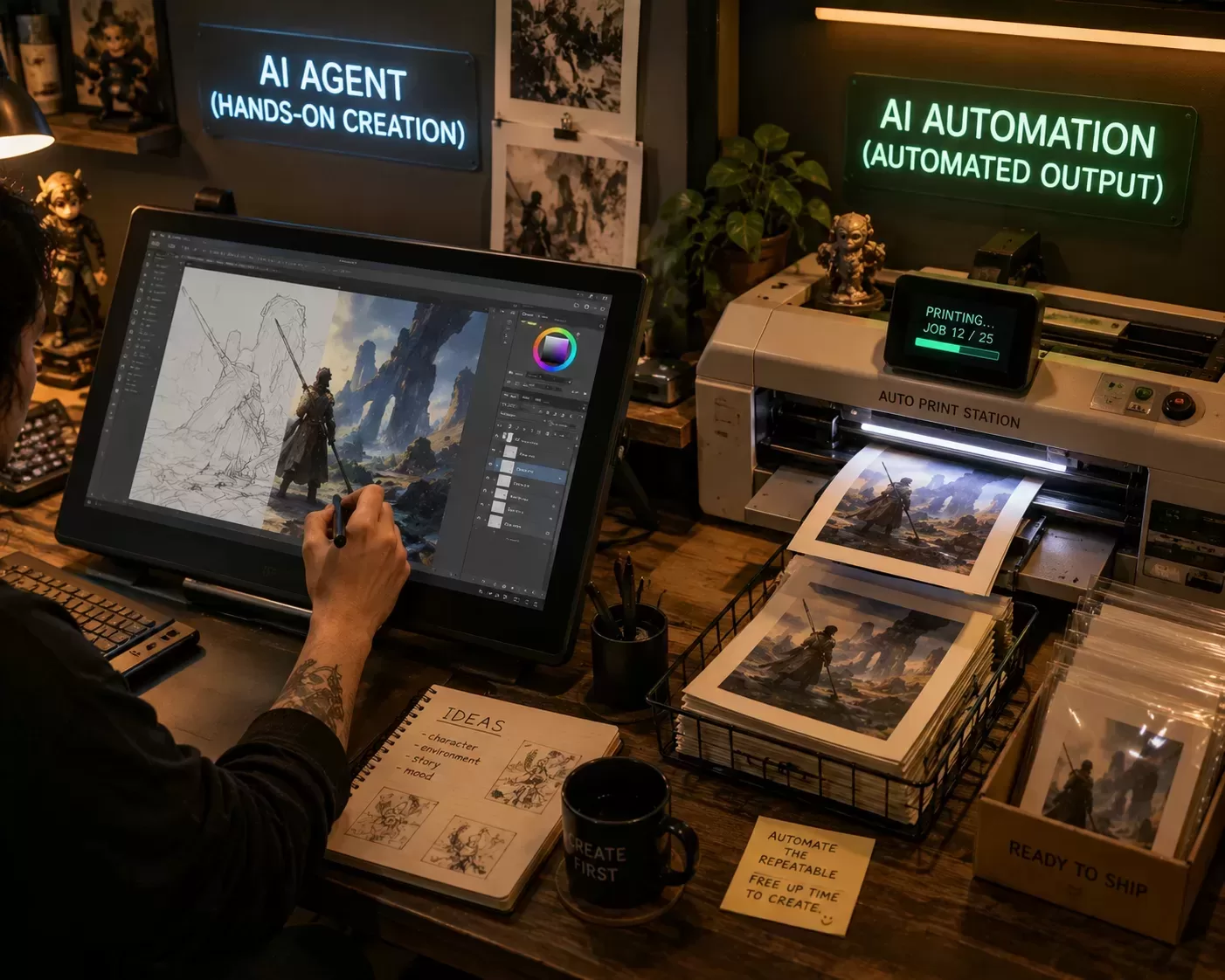
AI is changing how creators make, publish, and scale content. But not all AI is the same. Two labels you’ll hear a lot are “AI automation” and “AI agents.” They overlap, but they differ in ways that affect how you design your content creation workflow, how much oversight you need, and what tasks you can safely hand off to machines.
This article breaks down what each term means, why the distinction matters for creators, and exactly how you can use them to speed up video production, social posting, and content repurposing without losing control of your brand.
AI Automation
- Definition: AI automation refers to systems that use AI components (transcription, image generation, summarization, etc.) within an automated pipeline. These systems perform repeatable tasks based on predefined triggers and rules.
- Typical features: event triggers (e.g., new video uploaded), deterministic steps (transcribe → summarize → schedule), and connectors to apps (Zapier, Make, native APIs).
- Typical tools: transcription services, caption generators, templated social post creators, and autoresponders enhanced with LLMs.
AI Agent
- Definition: An AI agent is an AI-driven "digital employee" that can set goals, plan multi-step actions, make decisions, call tools/APIs, and adapt to new information without a rigid script for each step.
- Typical features: goal-oriented planning, dynamic decision loops (observe → decide → act → re-observe), access to multiple tools (web browsing, APIs, local scripts), and memory/context across sessions.
- Typical behaviors: autonomously researching a topic, iterating on drafts, delegating tasks to other tools, and adapting outputs based on feedback.
Why it matters for creators
Control vs. Autonomy
- Automation is predictable and easy to reason about. Outputs follow defined rules and are simpler to test.
- Agents are more autonomous and flexible; they can boost productivity for complex workflows but require stronger guardrails and monitoring.
Complexity and Setup
- Automation: often low-code/no-code, fast to implement, suitable for repeatable tasks.
- Agents: typically require engineering for tool integrations, prompt orchestration, memory design, and error handling.
Scale and Creativity
- Automation: best for scaling repetitive tasks—transcriptions, scheduling, repurposing.
- Agents: best for multi-step creative work requiring judgment—topic research, iterative drafting, cross-platform optimization.
Risk and Trust
- Automations are lower risk and easier to debug.
- Agents can act unpredictably; plan for logging, human-in-the-loop checks, and content approvals.
How to use it (practical workflows for creators)
Workflow A — AI Automation: Scale repurposing from one long-form video into social snippets
- Trigger: New finished YouTube video uploaded.
- Step 1 — Transcribe: Use an automatic transcription service.
- Step 2 — Highlight detection: Run a timestamp extraction model to find high-engagement moments.
- Step 3 — Clip creation: Use a video editing API or template tool (Descript, CapCut) to generate 15–60s clips.
- Step 4 — Caption & copy: Use an LLM to write captions and hashtags tailored to each platform.
- Step 5 — Schedule: Push clips, captions, and thumbnails to a scheduler via API.
Why it’s automation: every step follows rules and known inputs/outputs, making it reliable and testable.
Workflow B — AI Agent: Hands-off weekly content assistant (semi-autonomous)
Goal: Publish a weekly blog post, short video, and 5 social posts with minimal human editing.
1. Agent setup: Tools include web search API, transcription service, LLM, WordPress API, and scheduling API. Memory stores recent topics, brand voice, and calendar.
2. Routine: Observe analytics and trends → Decide on a topic → Act by drafting an outline, blog post, and video script → Request creator review and iterate.
3. Monitoring: Agent posts summaries and change logs to Slack; final publish requires one-click approval.
Why it’s an agent: sets goals, plans, uses multiple tools, and adapts based on feedback.
Real-world use cases
1. YouTube channel scaling
- Automation: Auto-transcribe videos, generate SEO descriptions and chapters.
- Agent: Review analytics weekly, recommend topics, draft scripts, and queue production tasks.
2. Social media content factory
- Automation: Templates convert blog posts into carousels and LinkedIn posts.
- Agent: Run A/B tests on captions and times, learn what performs best, and update templates.
3. Newsletter + monetization
- Automation: Auto-assemble top posts and send formatted newsletters.
- Agent: Research affiliate/product opportunities, draft segmented pitches, and log outreach.
4. Community management
- Automation: Auto-moderation flags spam and repetitive questions.
- Agent: Answer common queries, summarize threads, and escalate nuanced issues to humans. Tips and best practices
- Start small: Automate one repeatable task first (e.g., captions) before expanding.
- Use human-in-the-loop: Require approvals for public-facing content until you build trust.
- Centralize brand assets: Store prompt templates and voice guidelines for consistent outputs.
- Logging and monitoring: Version prompts, log agent decisions, and track automation outputs.
- Cost and rate limits: Monitor API usage and implement budget alerts.
- Data privacy: Store keys and sensitive content securely and grant minimal permissions.
Pros and cons
AI Automation
- Pros: Predictable, simple to test, quick to deploy, lower risk.
- Cons: Limited flexibility, brittle with unexpected inputs, and less creative.
AI Agents
- Pros: Flexible, can handle complex multi-step tasks, can learn over time.
- Cons: Harder to audit, potential for unexpected actions, and higher engineering and monitoring needs.
Safety and governance checklist for agents
- Explicit permissions: Define publish/purchase/delete rights.
- Approval gates: Human approval for sensitive actions or above cost thresholds.
- Explainability: Keep logs and short decision summaries for each action.
- Fail-safes: Include revert actions and emergency stop controls. AI automation and AI agents are complementary tools for creators. Automation excels at predictable, repeatable tasks; agents shine at flexible, multi-step problem-solving. Start by automating a time-consuming, repeatable task this week (for example, transcribing and clipping videos). Once stable, pilot an agent for higher-level jobs, such as weekly topic research or A/B caption testing—but keep human approval steps in place until trust is built. This approach scales your output while protecting your brand voice.
Ready to put either approach to work? Explore the Build stage for the AI tools and automation platforms behind a working online business.