
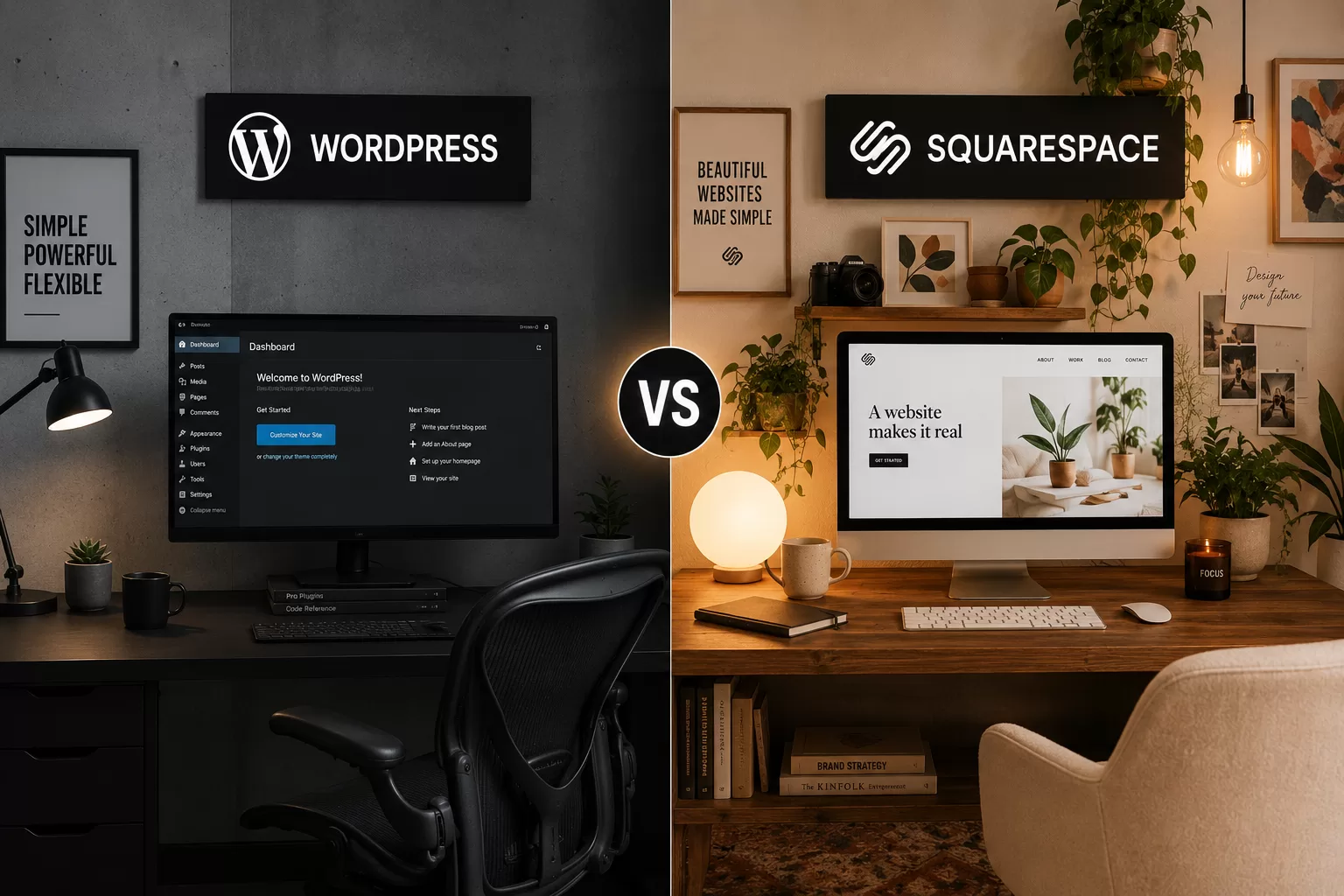
WordPress and Squarespace solve the same basic problem — getting a website live — in almost opposite ways. Squarespace is a closed, all-in-one platform where hosting, security, and design tools come bundled together. WordPress is open-source software you build on top of, giving you far more control at the cost of more setup decisions. Neither is "better" in the abstract; the right one depends on what you're building and how hands-on you want to be.
Pricing and features below are accurate as of publish and may change — always confirm current details on each provider's site. See our Affiliate Disclosure.
Pricing
Squarespace bundles hosting, security, templates, and most essential tools into one monthly price, generally running from around $16 to $139 per month depending on the plan and whether you need e-commerce features.
WordPress itself (the software) is free, and WordPress.com hosting plans typically start lower — often in the $4–$70 per month range — but that number is misleading on its own. A self-hosted WordPress site needs separate hosting, and essentials like contact forms, backups, security, and SEO tools are frequently paid plugins rather than included features. A realistic self-hosted WordPress budget, once hosting and a handful of necessary plugins are added, often lands in a similar range to Squarespace — it's just billed across more separate line items instead of one.
Ease of Use
Squarespace is built for people who want a professional-looking site without managing a technical stack. Its templates are designed by professional designers, the editor is drag-and-drop, and hosting, security, and updates are entirely handled for you. There's very little that can "break" in the way a self-managed WordPress site can.
WordPress has a steeper starting curve. You (or someone you hire) are responsible for choosing a host, picking a theme, installing and maintaining plugins, and keeping everything updated. In exchange, you get a level of customization and control that a closed platform like Squarespace can't match — you can add nearly any feature, integrate with almost any tool, and never worry about a platform-level pricing change forcing your hand.
Customization & Flexibility
This is where the two platforms diverge most. WordPress powers a large share of the web precisely because its plugin and theme ecosystem lets you build almost anything — membership sites, online courses, complex e-commerce, custom booking systems — often by combining existing plugins rather than custom development. Squarespace's tools are more integrated and easier to use, but they're also more limited: you're working within the features Squarespace has decided to build, and page-level customization has real ceilings compared to WordPress.
Who Squarespace Is Better For
- Service providers, coaches, and creatives who want a polished site fast and don't want to manage hosting, plugins, or updates
- Businesses whose site needs are mostly covered by Squarespace's built-in tools (portfolio, basic e-commerce, booking, blog)
- Anyone who values predictable, all-in-one pricing over maximum flexibility
Who WordPress Is Better For
- Content-heavy sites — blogs, resource hubs, and publications — where SEO control and content structure matter a lot
- Businesses that expect to need custom functionality down the line (memberships, complex e-commerce, integrations with other business tools)
- Anyone who wants full ownership — the ability to move hosts, change themes, or export everything without being locked into one company's ecosystem
The Honest Tradeoff
Squarespace trades flexibility for simplicity and predictability. WordPress trades a steeper setup process for long-term control and room to grow. If you're not sure yet how complex your site will eventually need to be, that uncertainty is itself useful information: WordPress costs you more time upfront, but it rarely becomes a ceiling later. Squarespace can become a real limitation if your business outgrows its built-in feature set, and migrating a mature site off Squarespace is considerably more work than starting on WordPress from day one.
This article is general education and reflects our own evaluation of publicly available information — not a guarantee of results for any specific website or business.
Once your platform is decided, explore the rest of the Build stage for hosting, plugins, and the tools that go with it.